
The four rules that get HTML5 banners rejected
clickTag, local assets, a static fallback and the weight budget. Nearly every rejection is one of these four, and none of them is hard.
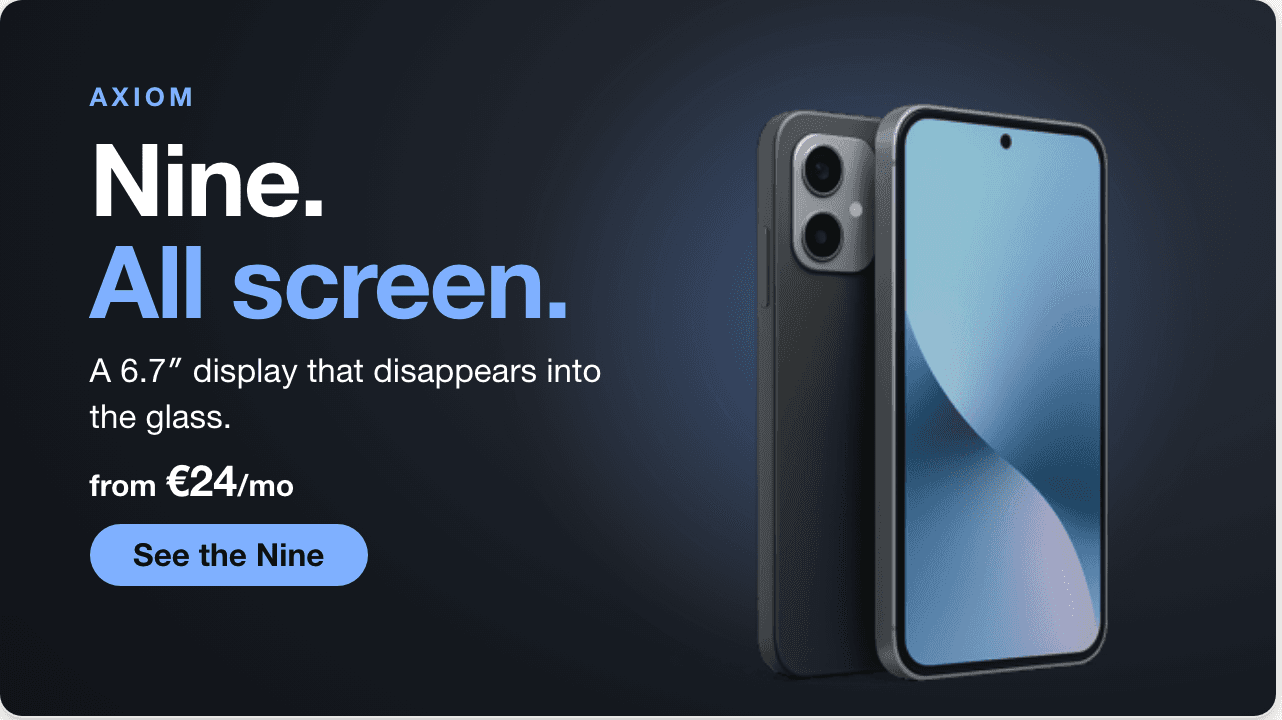
The same document that would go in the zip — clickTag wired, assets local.
A banner that looks right and still gets rejected is the most frustrating outcome in display advertising, because the feedback usually arrives days later and rarely says which rule was broken. Nearly all of it comes down to four things.
clickTag, spelled exactly that way
The network needs to own the click so it can count it. That means your creative must not hard-code a destination — it must open a variable the network sets, conventionally named clickTag. The capital T is not optional, and a banner that links directly to your site instead will be rejected.
Everything local, nothing fetched
A creative may not pull assets from your CDN at runtime. Fonts, images and libraries all travel inside the zip. This is partly about reliability and partly about auditing: a network cannot approve a file that can change after approval.
It is also why webfont links are a common rejection. Either bundle the font file or use a system stack.
A static fallback
Not every placement runs HTML5. Networks expect a static image to fall back to, matching the creative at its final frame. Generating this by screenshotting the last frame is exactly right — and another reason that frame deserves attention.
The size budget, measured honestly
The 150 KB limit is on initial load, not on the zip. Assets loaded later have a separate allowance, but treating the whole bundle as the budget is the safe reading and avoids arguments with a reviewer.
Bannerbloom checks all four at export: clickTag wired, assets bundled locally, fallback image generated, budget measured, and the zip laid out the way Google Ads expects. The point is not that these rules are hard — it is that they are easy to miss on the ninth file at six in the evening.
Try it yourself
Start building your SaaS product today with our production-ready boilerplate.
Bannerbloom
Product team
We build Bannerbloom — an AI banner studio that writes real animated HTML5 and exports it ready for every ad network.
Ready to get started?
Join thousands of users already using our platform to build amazing products.